

 Features
 Integrations
 Download
 Docs
 Wiki
 Patch notes
 Blog
Make progress feel rewarding.
Every coding agent you run brings out a pixel pet that farms your team's village while it works.
Works alongside the coding tools you already use
- Codex
- Claude Code
- OpenCode
- Gemini CLI
- Cursor
- Muse
- Qwen Code
- Factory Droid
- Copilot CLI
Integration capabilities vary by tool and session. See compatibility details
How it works · sample world
Every coding agent you run gets a pet.
Start a chat in Claude Code, Codex, Cursor or any tool you connect, and the first free pet in your party takes it. The pet speaks for that agent in your chat and farms your team's field while the agent works. Every harvest pays everyone in the world.
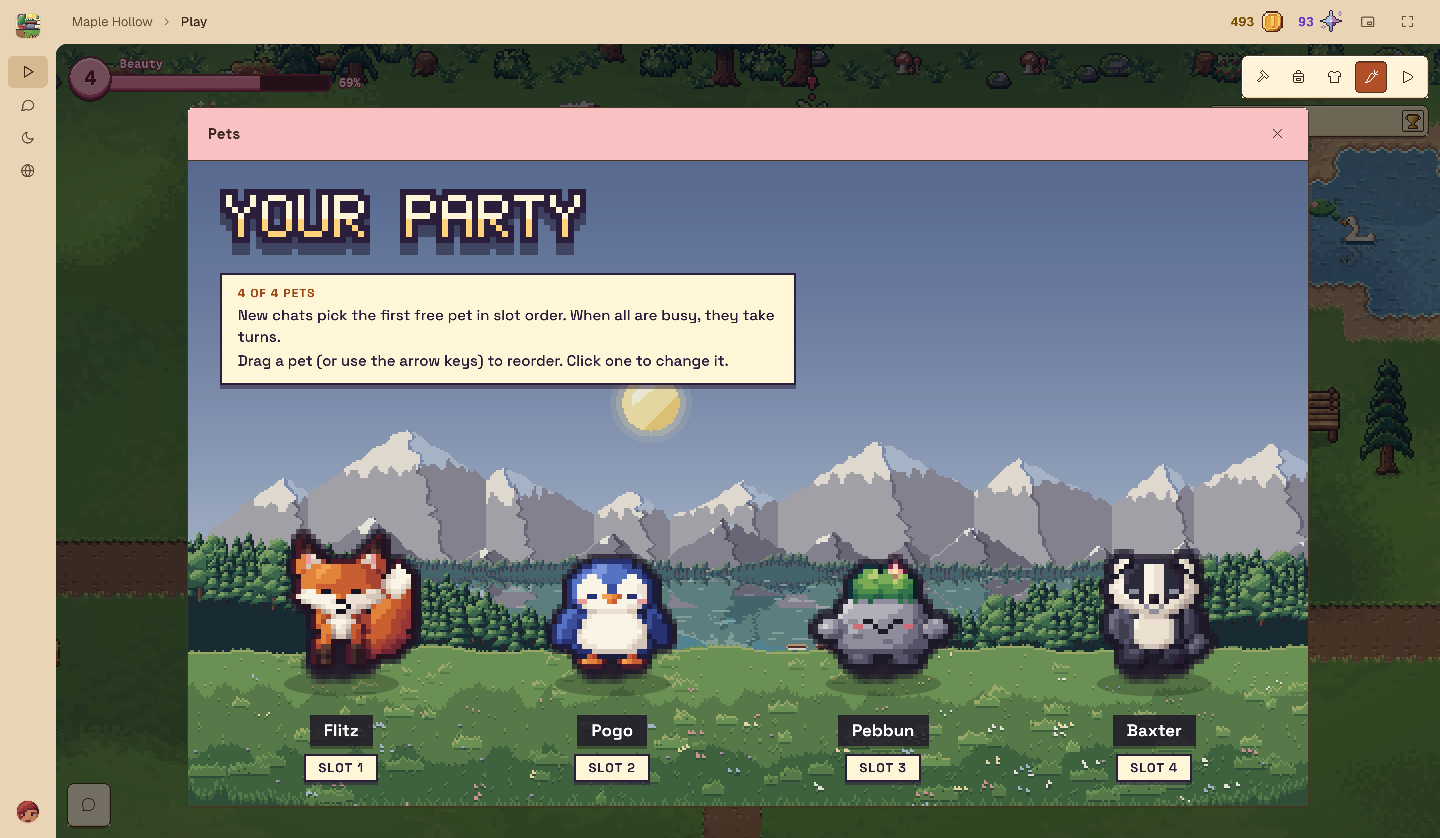
Your party · sample
 FlitzWorking
 PogoWorking
 PebbunResting
 BaxterResting
Two chats are running, so the first two pets are out on the field.


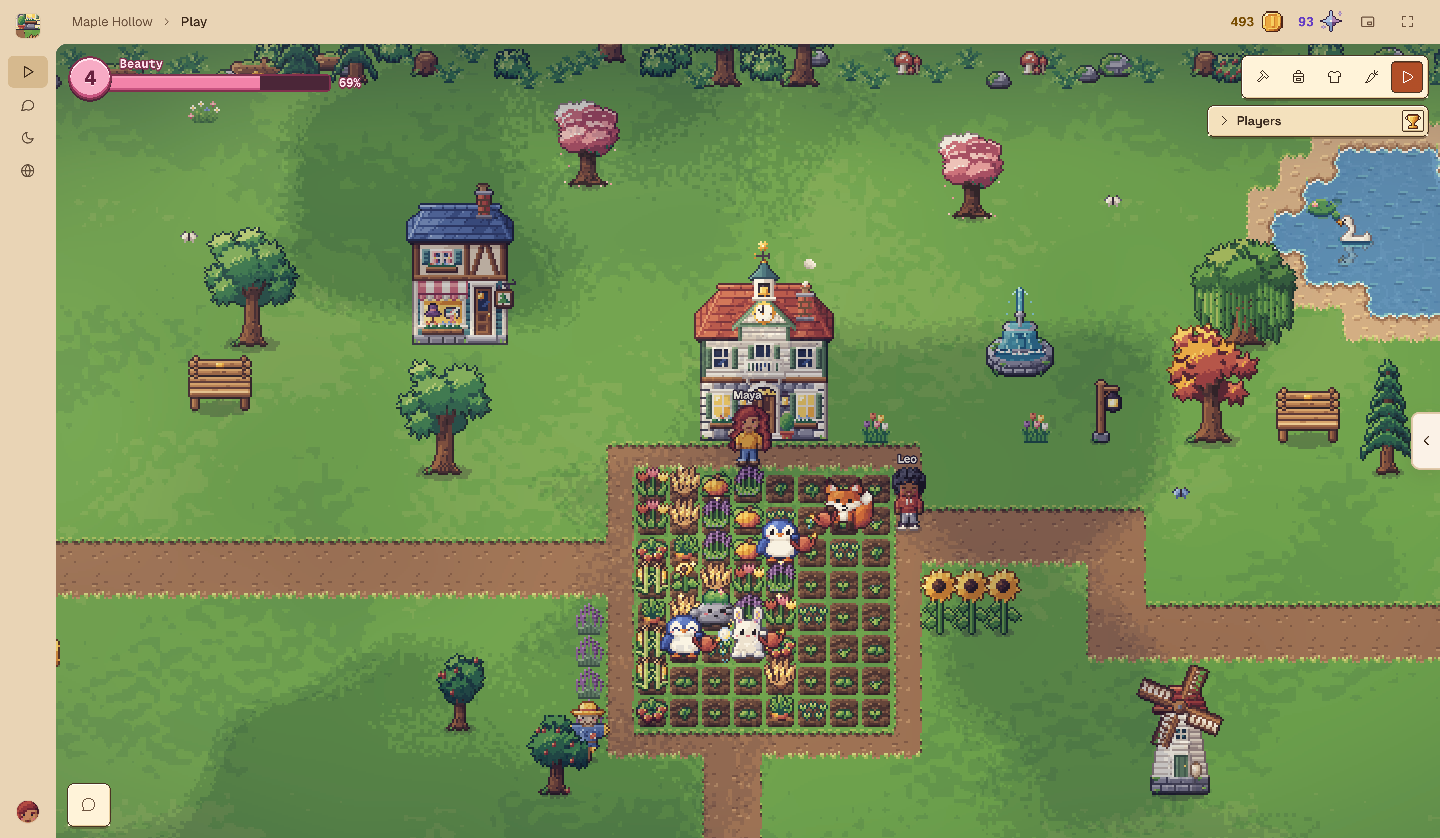
Shared harvests
Every crop pays every player at least 5 coins. Coins buy decorations, and each new beauty level pays everyone 10 Stardust and makes crops pay 3% more.
 Earn togetherEvery harvest pays every player of the world, whoever's pets did the work.
 Pets that grow with youPin up to 4 pets. Each levels up to 30 as it works, and the rarer ones carry buffs such as Rain, Sower, Swift and Golden.
- A profile to show offMeet teammates in the town square and open each other's profiles: agent hours, a pet dex of every species and where you caught each one.
Stronger team culture
Grow a park. Grow a team.
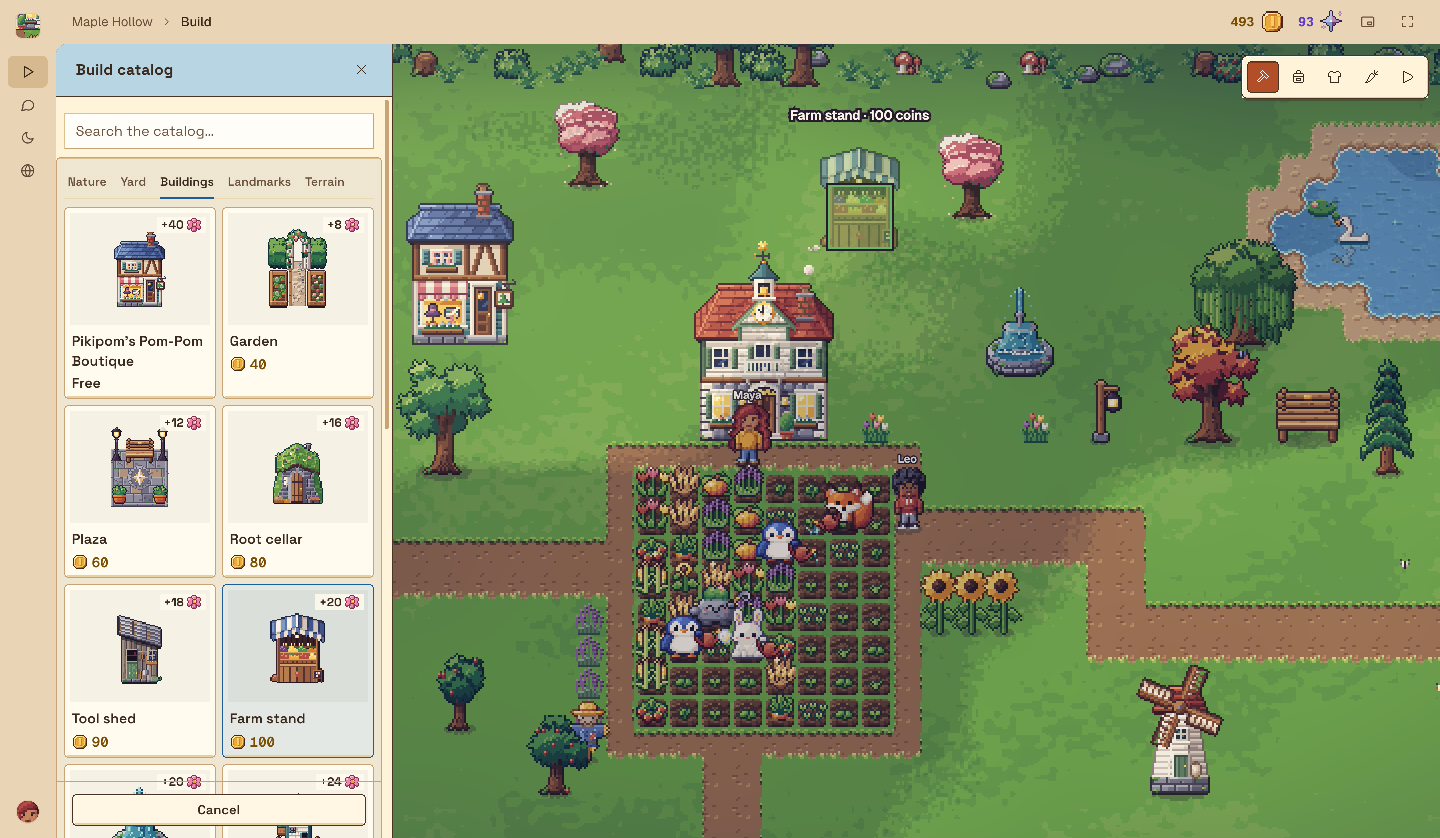
A shared park gives your team something to enjoy together. Talk through blockers, align on what matters, and celebrate the things you make possible together.
Make progress a conversation
Share a short work brief with the task, progress, blockers and result so teammates know where to help.
Rally around a shared goal
Every harvest pays everyone, and every decoration makes your world more beautiful. Each new beauty level pays the whole team Stardust.
Share on your terms
Choose who can see your work, brief by brief and session by session.
Make downtime useful
Less waiting. More momentum.
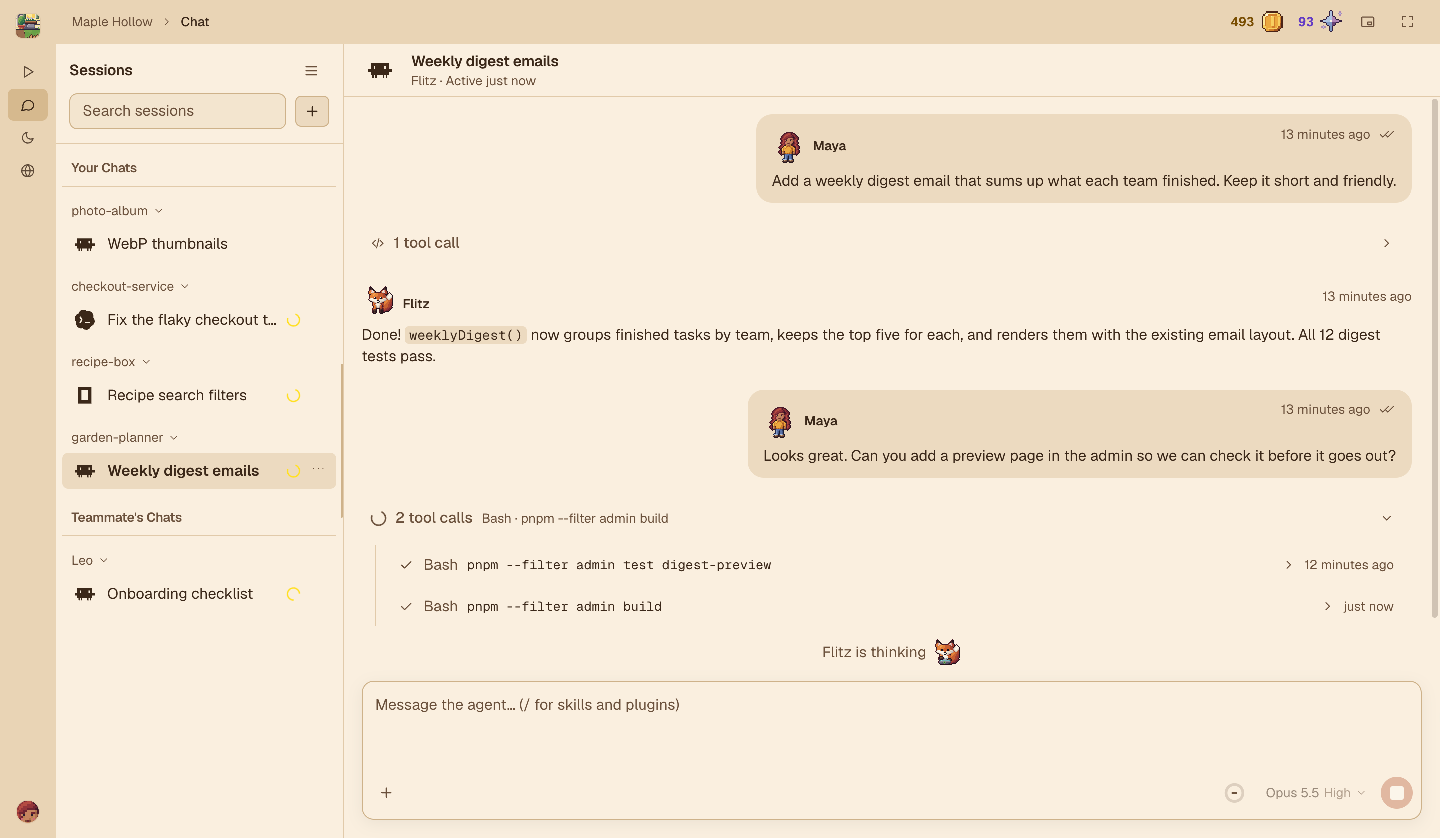
While one agent works, move the next task forward. See which session needs you, line up another, or use the gap to align with your team.
Keep your agents moving
Working, waiting for you, or idle: see the state each tool reports and where you can help next.
Put the gap to work
Review a result, plan your next session, or share a useful update while another task runs.
See your effort add up
Your pixel pets turn real coding work into wheat harvests that pay your whole team.
Bring the team along
Invite teammates with a link or code and give your everyday work a shared goal.
A reason to keep going
Give everyday effort a visible payoff.
When work loses momentum
- Waiting on one session while another needs you
- Progress buried in long transcripts
- Teammates unsure where they can help
- Individual wins with nowhere to add up
Working in Kinmo
- Spot the next session that needs you
- Share a short update and clear a blocker
- Turn real coding work into harvests that pay everyone
- Decorate a park your whole team can enjoy
Get started
Bring your work. Grow together.
Install the desktop app
In a terminal, run
curl -fsSL https://kinmo.tech/install.sh | shon macOS (Apple silicon) or Linux, orirm https://kinmo.tech/install.ps1 | iexin PowerShell on Windows (including WSL). Then open Kinmo from your apps or runkinmo; it keeps itself up to date. Builds are not code-signed yet, so your system may warn you before the first launch.Connect your tools
Choose the coding tools you use. Your sessions keep running where they already are.
Invite your team
Send a link or a short code and start decorating together. Your first world is free for 4 players. Plans make room for more.
Questions, answered.
Does Kinmo replace my coding tools?
No. Kinmo adds rewards and shared goals around the work you already do. Your coding tools keep running in their native environments, with their own trust settings and approval flows.
Do I have to play the game?
No. Your pets farm by themselves while your agents work, and every harvest pays the whole team. Decorating, catching wild pets and dressing up are there whenever you want them.
Which tools can I connect?
Kinmo has integrations for Codex, Claude Code, OpenCode, Gemini CLI, Cursor, Muse, Qwen Code, Factory Droid and Copilot CLI. Observation capabilities vary. Messaging is experimental and available only for supported Codex and Claude Code sessions; the other integrations are observation only.
What can teammates see?
The overview starts with session metadata. You choose which work briefs and sessions to share. Conversations from your connected tools are collected for you once you allow observation; access for other people is controlled separately.
How do invite links work?
Opening an invite link in your browser opens Kinmo on that workspace's invitation, showing its name, members and your role. Nothing changes until you choose to join. If Kinmo is not installed, the page explains how to get it.
Can I download Kinmo?
Yes. Install the desktop app with one terminal command for macOS (Apple silicon), Windows (including WSL) or Linux. Builds are not code-signed yet: on Windows, choose More info, then Run anyway; on macOS, choose Open Anyway in System Settings › Privacy & Security.